
Divebase for iPhone and Android in private beta
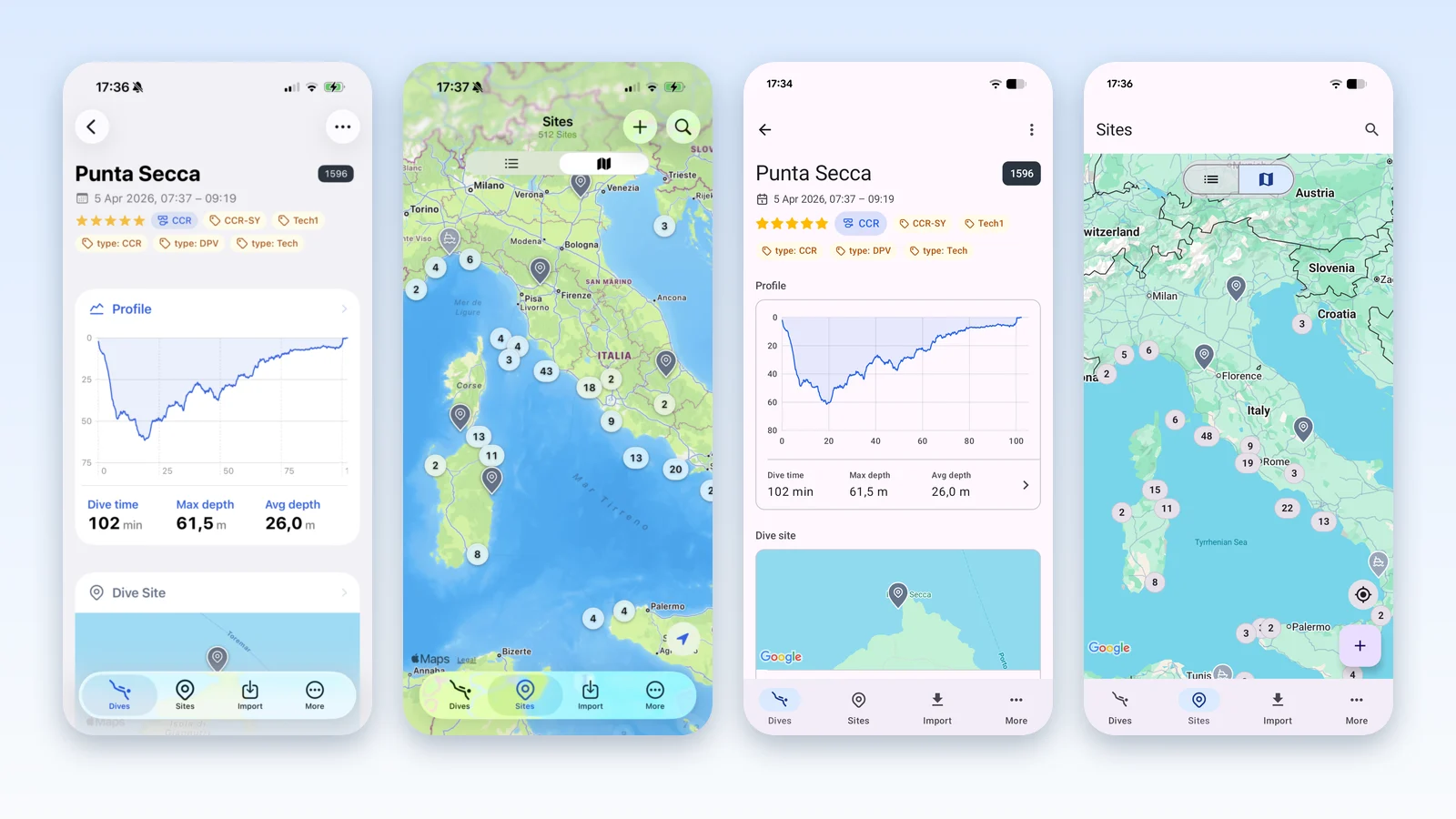
Divebase now has native apps for iPhone and Android, and both are available in private beta. A small group of divers has been testing the iPhone app and the Android app since the first alpha versions. Today I'm opening the beta to more testers, and you can ask for an invite.
The apps connect to your dive computer over Bluetooth, download your dives, work offline, and sync your logbook with the web app.
Why a mobile app
If I want divers to adopt Divebase, I can't ask them to type every dive by hand. The importers, from UDDF to MacDive, bring in the dives you already have. They don't help with the dive you do next weekend. That dive is on your dive computer, and it has to reach your logbook automatically.
Yes, there is the API. You could download your dives with another logbook and push them to Divebase with a script. I don't think that's usable. You would have to keep two logbooks in sync after every dive, and nobody wants to do that.
The mobile app is the essential entry point to import dive computer data into Divebase. For me it's a critical part of the product.
The original plan was iOS only
My original plan had one platform on it, and it was iOS.
I didn't want to spread my energy across multiple platforms. I was also more familiar with iOS, because I had already built Dive Exporter, an iOS app that downloads dives from a dive computer and exports them to a file.
There is a personal reason as well. As I mentioned several times, Divebase was born from the ashes of MacDive. I've been a MacDive fanboy for almost a decade, and I have plenty of data in there. MacDive hasn't been updated in years, and my fear was that a major iOS upgrade would stop it from working and I would lose access to my data. The most important thing for me was to migrate to a platform where I could continue logging my dives without that risk. I was not an Android user, so I never looked at Android.
Why Android
Dive Exporter is also the product I used to test the interest of the public and the feasibility of the dive computer integration, before I built the same thing into Divebase. It will remain a standalone product, because it serves a different user base: divers who want their dives out of the computer and into a file, and already have a logbook they like.
As the beta of Dive Exporter went on, more and more people asked for an Android version. It became evident that Android was an important platform too. If the mobile app is the way your dives get into Divebase, it has to exist on both.
So I bought a dedicated Android phone and used it in my day-to-day activities for a while, to learn the Android patterns and conventions. I also had to learn Kotlin, to port my dive computer library to Android.
Why native
I decided to build two native apps, and not to use a cross-platform framework like Flutter or React Native. Of course this means duplicating the work. But for me it was a no-go to ship an app that doesn't look and feel native, the way MacDive did on the Mac. I also wanted to take advantage of all the APIs and capabilities of each platform.
When I started working on Android, the iOS app already existed, written in SwiftUI. It didn't make sense to build the Android app on a third-party framework. It only made sense to build it on the Android platform, and that required me to port the underlying engine to Kotlin as well.
From that work I was able to release Dive Computer Kit, a framework built on top of libdivecomputer (to which I also contributed). It's designed to provide the same dive computer access to Swift and Kotlin apps, and both Divebase apps use it.
What works today
The apps are not 100% feature complete compared to the web app, but they are fully functional. These are fully supported:
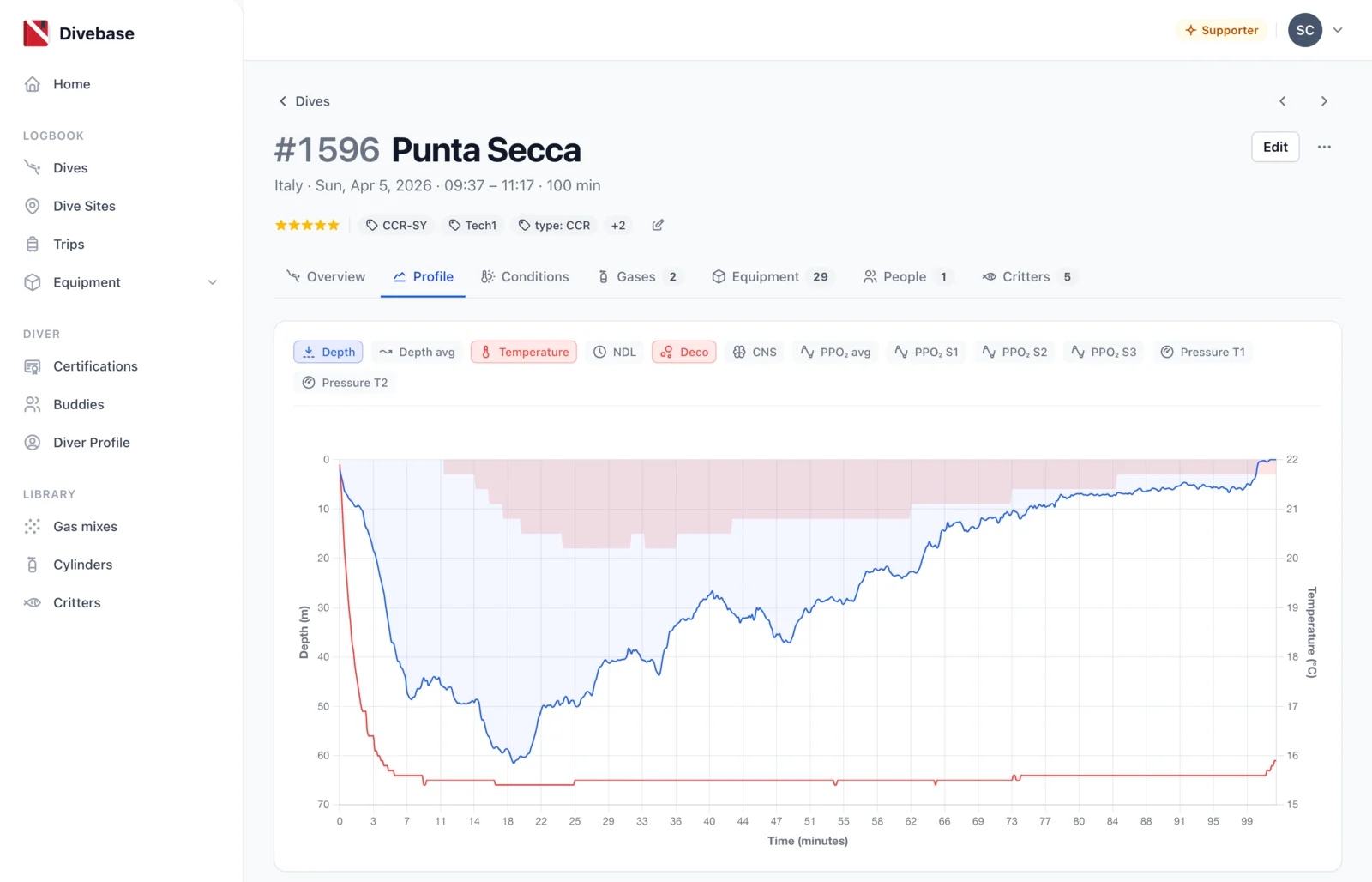
- Dives — browse, read and edit your whole logbook, with the depth profile of each dive.
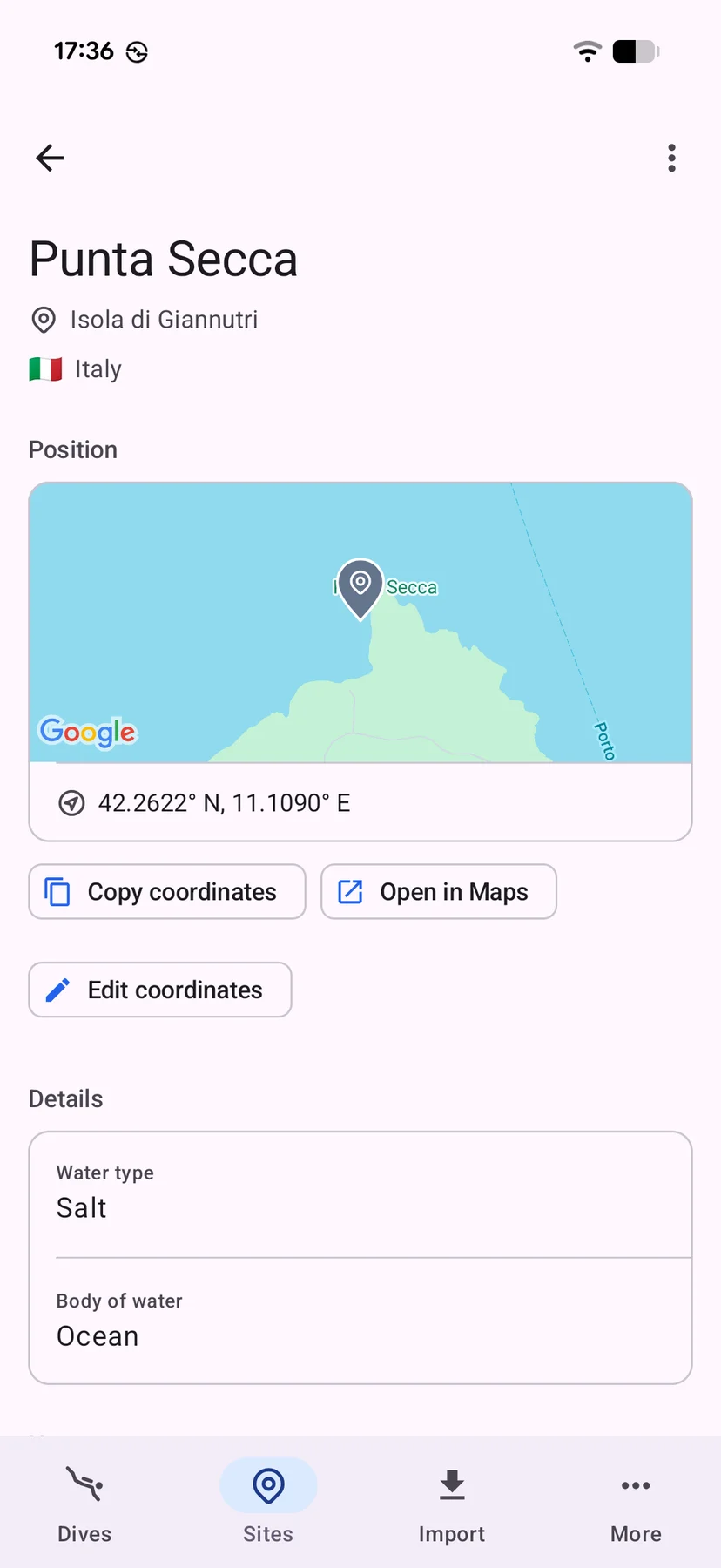
- Dive sites — browse them on a map, and create new ones on the spot with your phone's GPS.
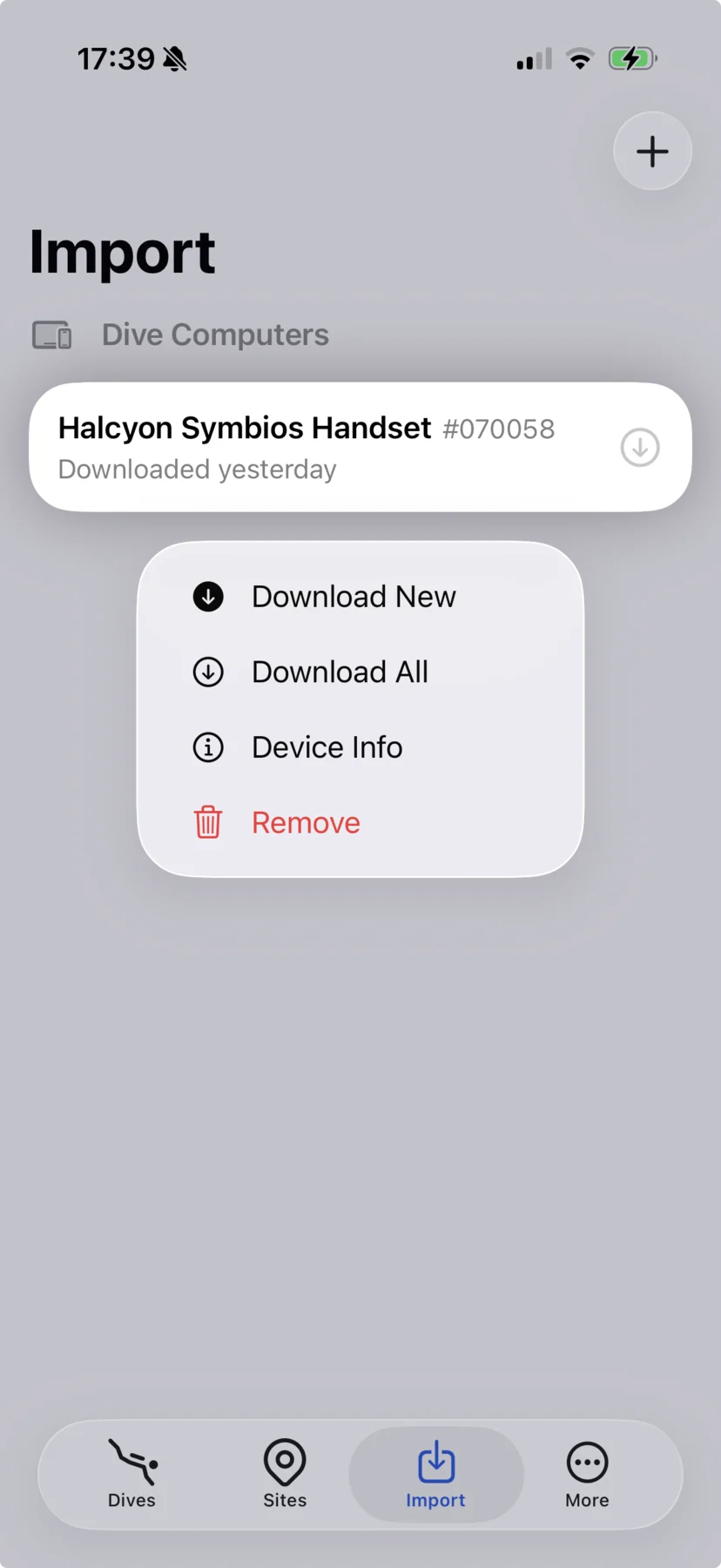
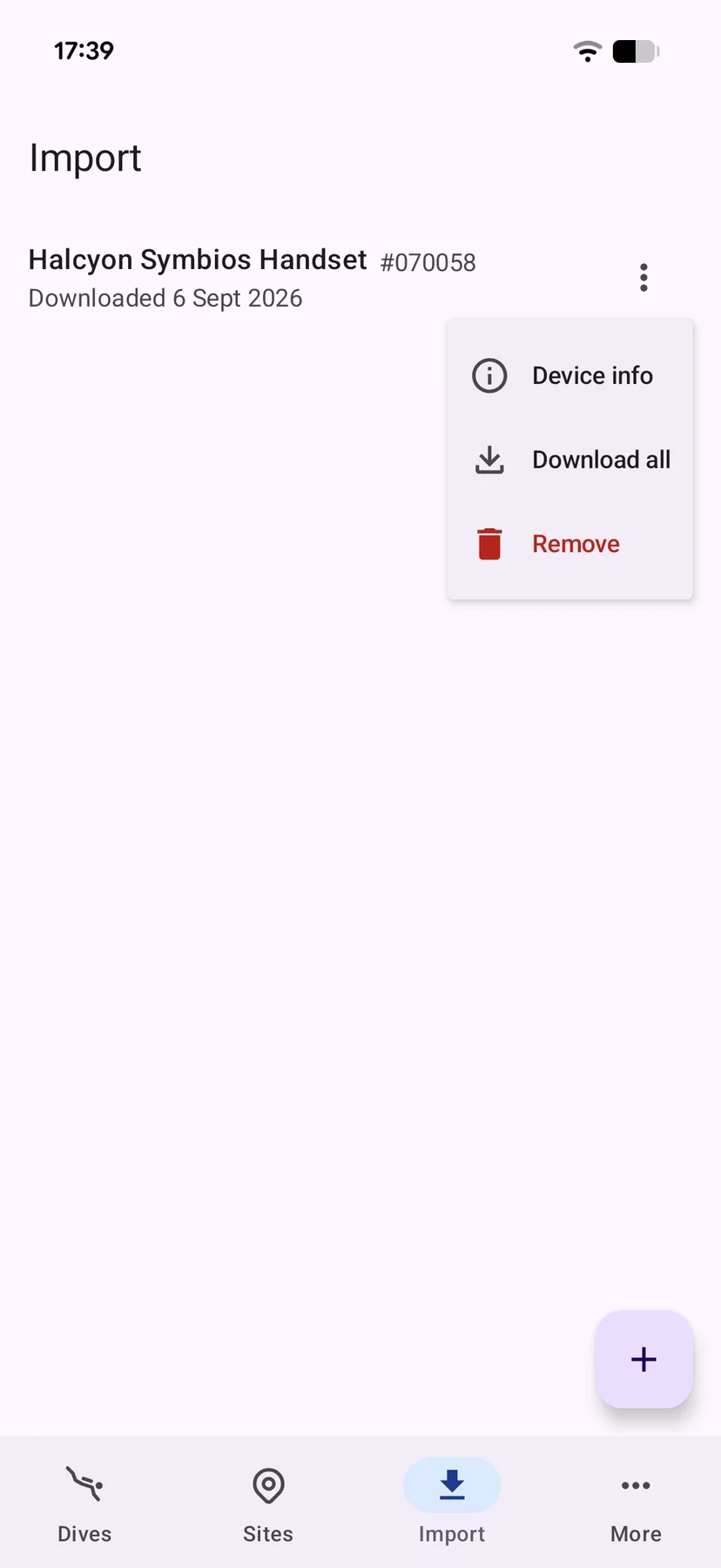
- Dive computer import — pair your computer over Bluetooth, download new dives or all of them, and manage your paired devices.
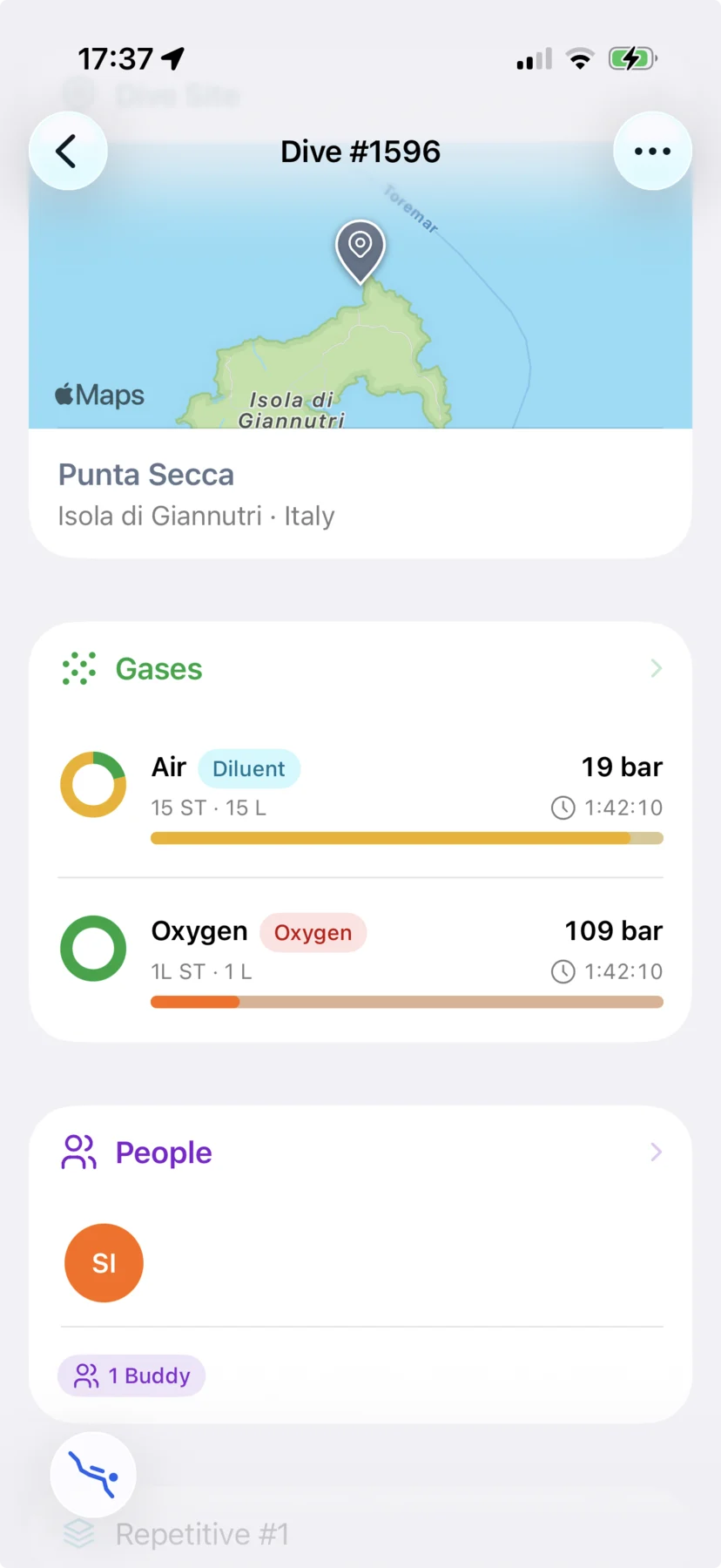
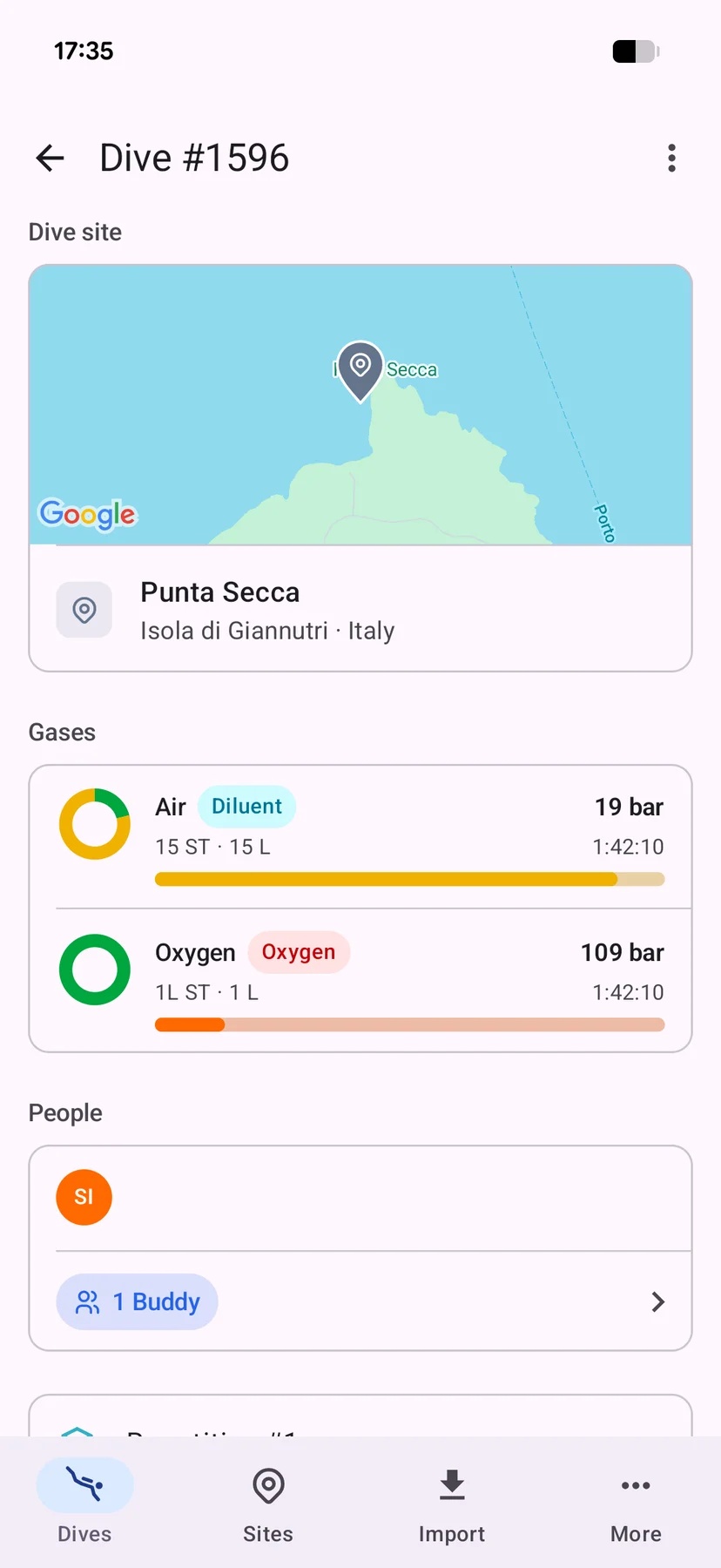
Cylinders, gas mixes, trips, equipment and more are available read-only, and some are still hidden. The sync engine is already fully built, and it syncs these too. What's missing is the screens in the apps, and I'll add them over time.
Offline and sync
The apps work fully offline. Everything is saved on the phone first, so you can log a dive with no signal and sync it later.
In theory you could use the app as a standalone logbook, and you will be able to when the final version is released. At this time it's not possible, because a lot of data (the read-only parts above) has to be created on the web app.
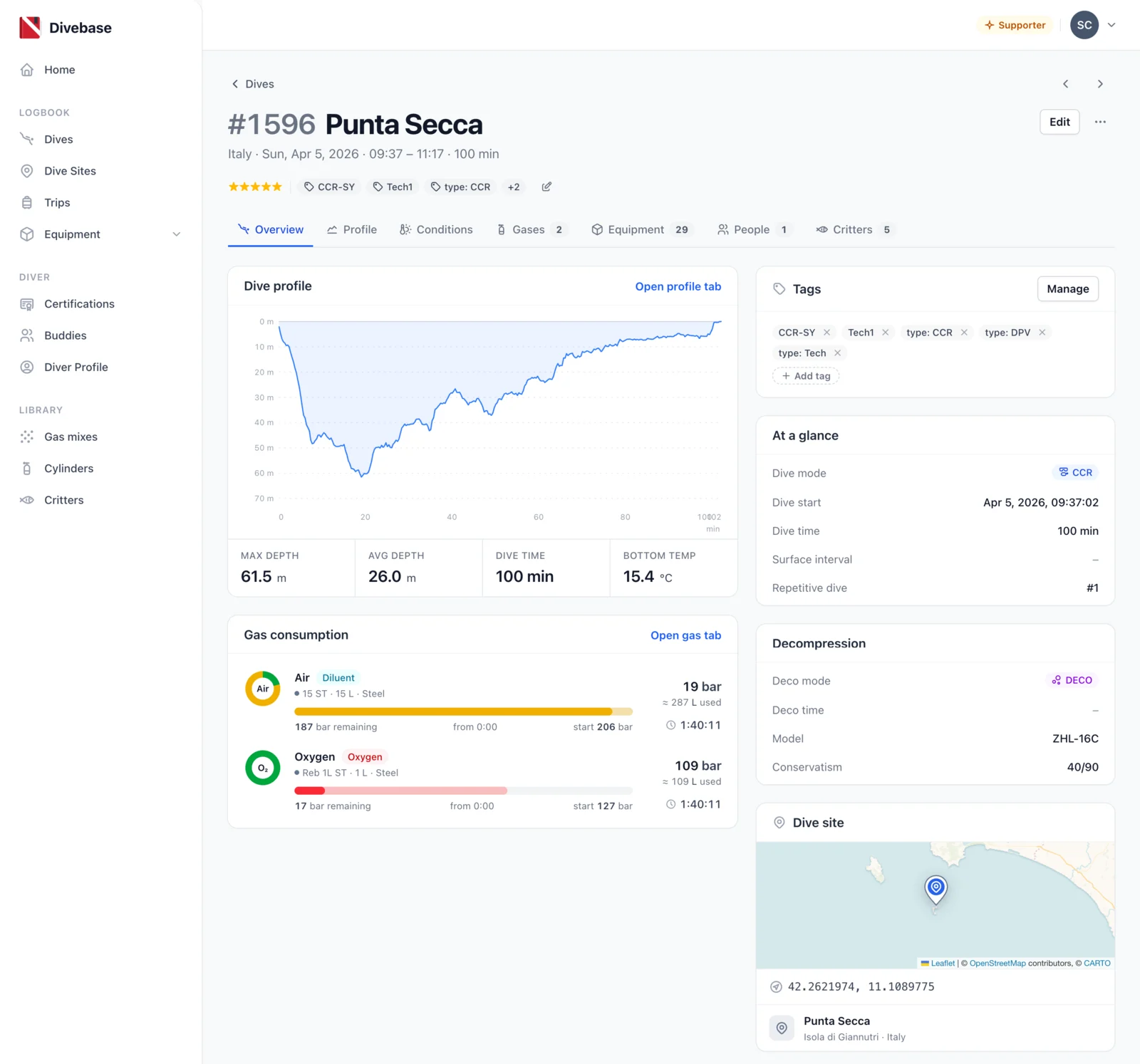
In any case, the app gives its best when combined with the web app. It syncs automatically, pull and push. What you edit on the phone is available on the web right away, and what you edit on the web is available on the phone, on iPhone and Android alike.
The validation scenario
This is the end-to-end scenario I set as a goal when I started, and it works today.
You jump on a boat. At the dive site, offline, you create the dive site in the app using the phone's GPS.
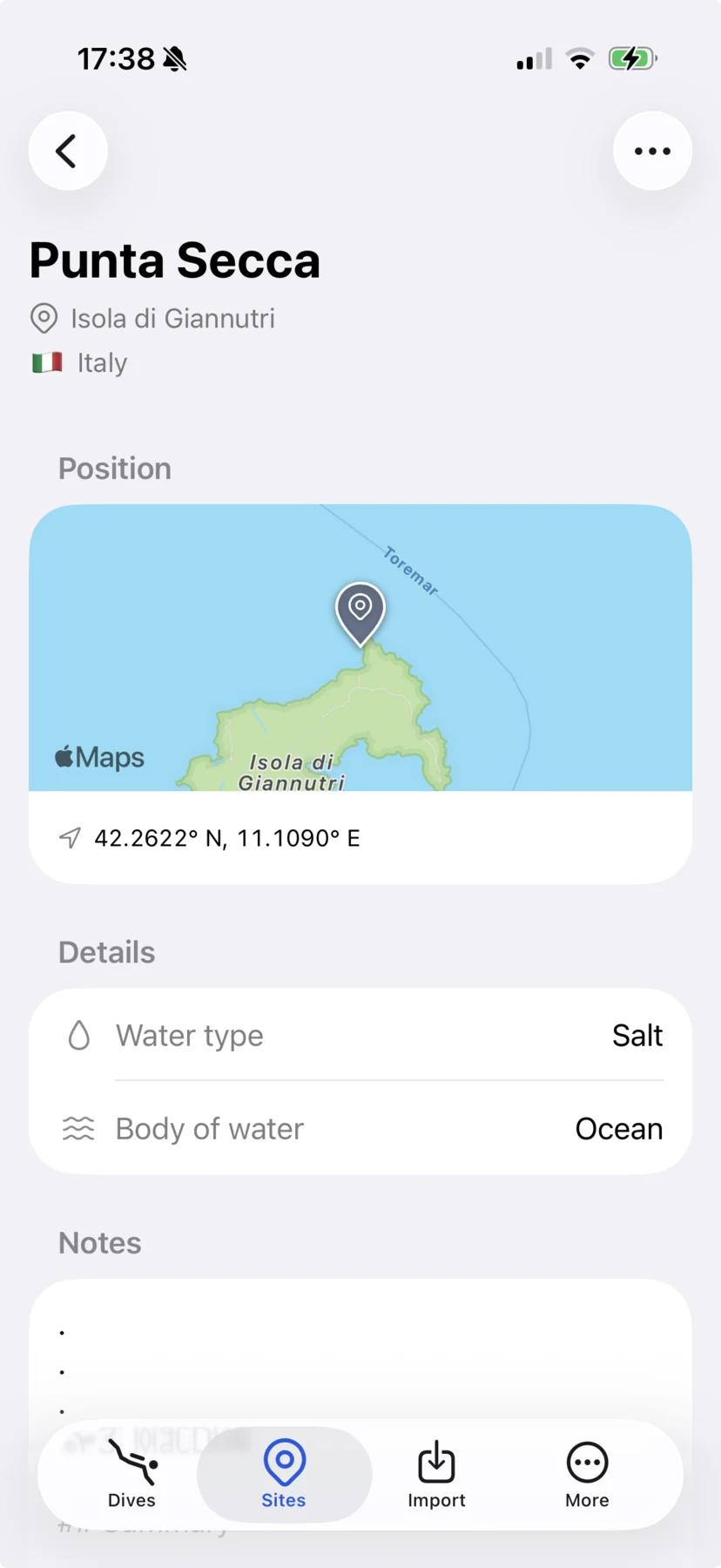
You go for the dive. Once out of the water, still on the boat, you connect to the dive computer and download the dive.
By the time you are back on land, the dive is already available on the web app, and you can use your data as you want, including through the API.
How to join
This is a private beta, so you need an invite. Go to the mobile page, pick your platform and ask for one, or write to me at hello@divebase.cloud and tell me which phone you use. The iPhone app is distributed with TestFlight, the Android app with Google Play closed testing.
The only prerequisite is to be a passionate diver, willing to make the extra effort of setting up a test app and giving me feedback.
Expect some bugs. If something doesn't work, and especially if your dive computer doesn't download, please write to me. Until next time, dive safe! 🤿