
Importing your logbook dives via UDDF
Diving is fun. Visualizing your dive sites is fun, browsing your dive log history is fun... but manually typing every dive into your logbook? Not fun. We hear you.
When I started building a divelog, I knew nobody would use it unless there was an easy, convenient way to bring their existing dives in. Dives come from many sources and in many formats, and one of the most widely adopted is UDDF, the Universal Dive Data Format.
UDDF files aren't just for dive entries. They're little databases in their own right: a single file can carry your dives, but also the associated dive sites, your equipment, your diver certifications, and more.
Divebase now imports UDDF files. Today we pull out the dive list, the dive sites, the dive details, the per-dive gas usage, and even the dive samples, enough to build an initial version of the dive profile and to surface useful decompression information: the dive computer model, the gradient factors or conservatism setting, and so on.
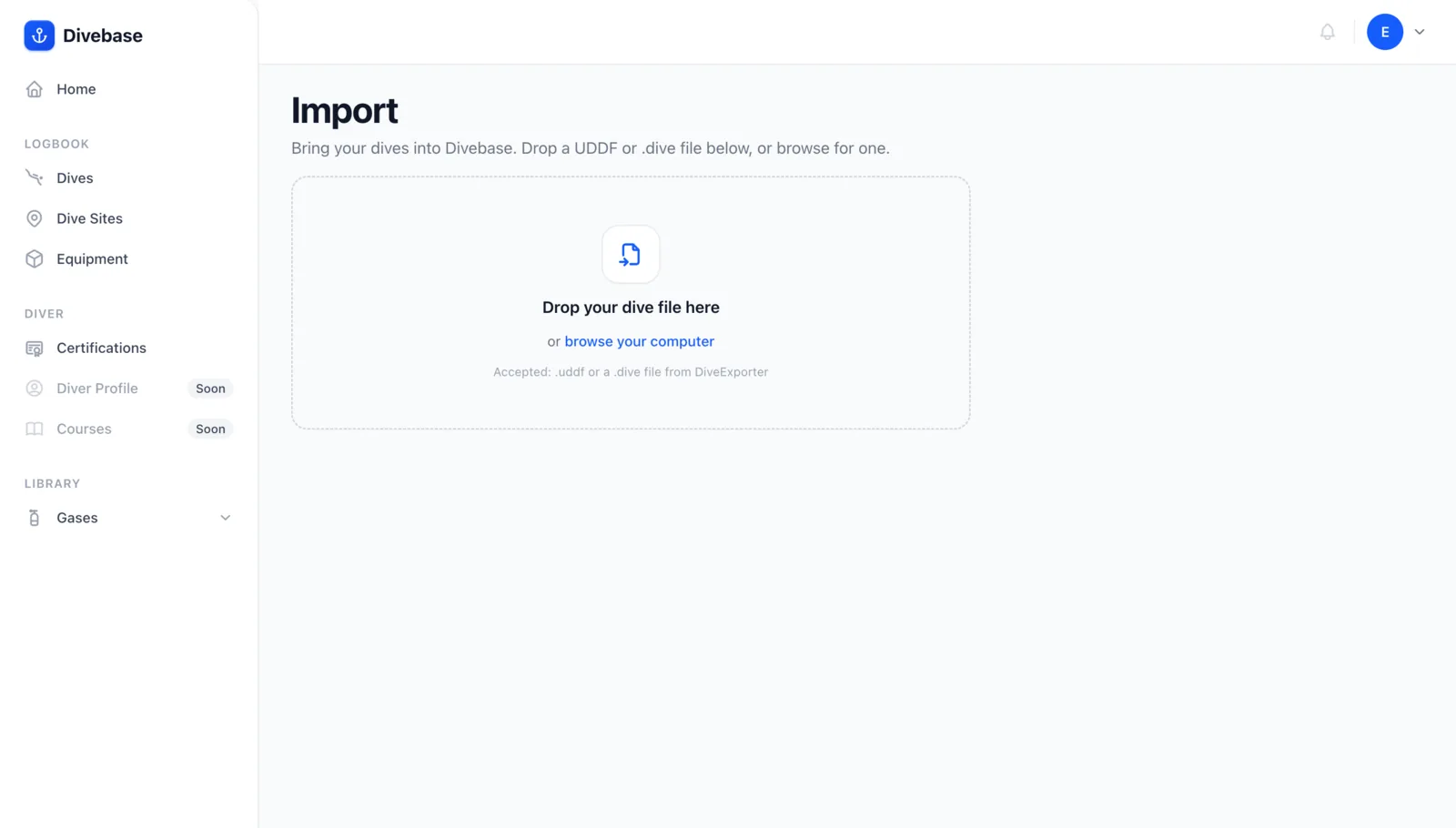
Here's a dive captured by the Halcyon Symbios handset and imported straight from a UDDF file. Everything you see was derived from the dive computer's own data.
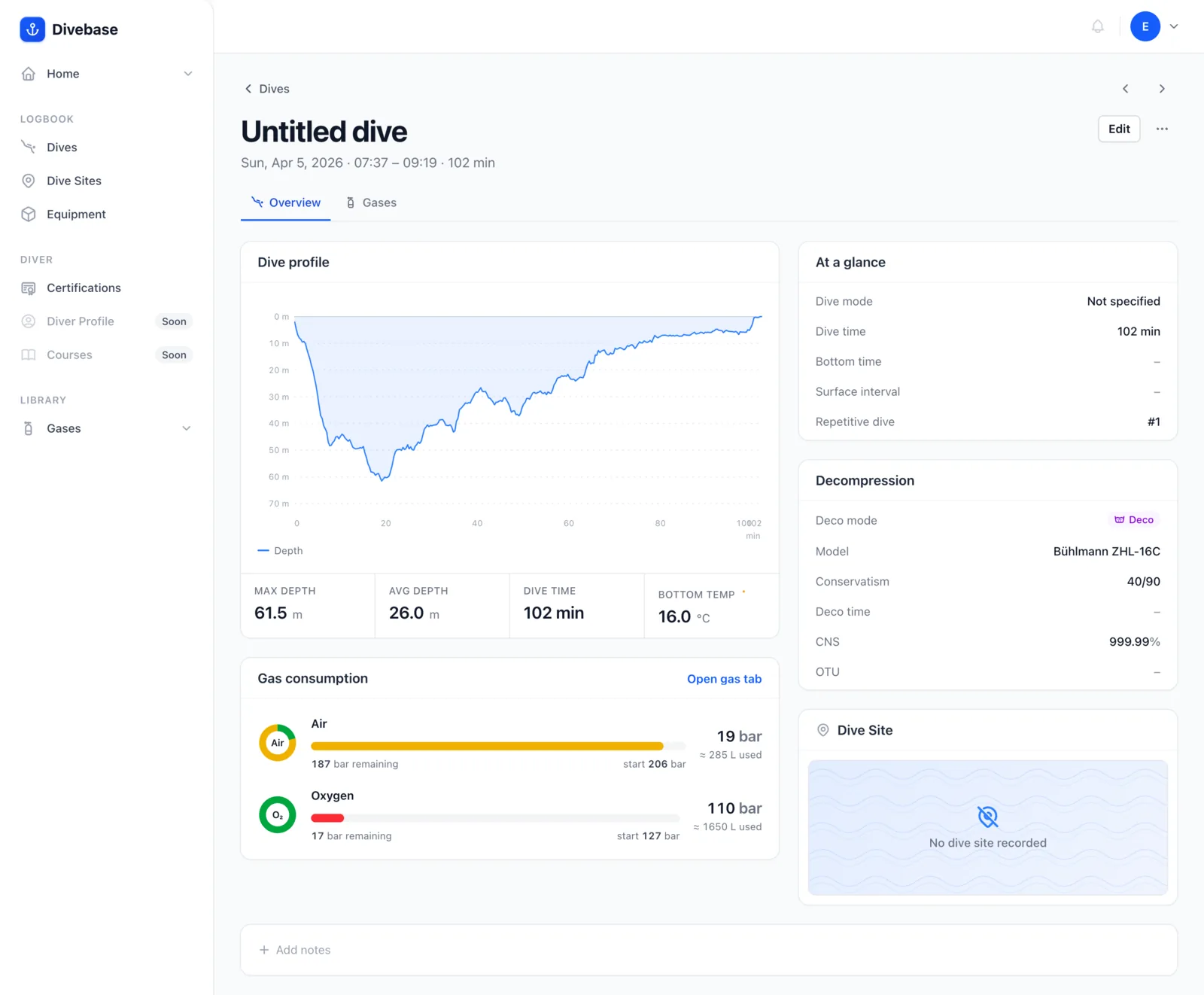
That includes the gas list and gas consumption, tracked on the dive by the Halcyon Tank Pod.
But UDDF isn't only spoken by dive computers. Other logbooks export it too, Subsurface and MacDive among them, which makes it a convenient way to migrate your whole logbook to Divebase.
Naturally, the import is only as good as the data inside the file. Anything UDDF doesn't carry, you'll fill in by hand afterwards.
How to import
There are a few ways to bring a UDDF file in:
- From the top-right menu, choose Import & Export, then drag and drop your file.
- From your logbook or the dive list, click the arrow next to Log a dive and pick UDDF file.
- From your logbook or the dive list, just drag and drop the file straight onto the page.
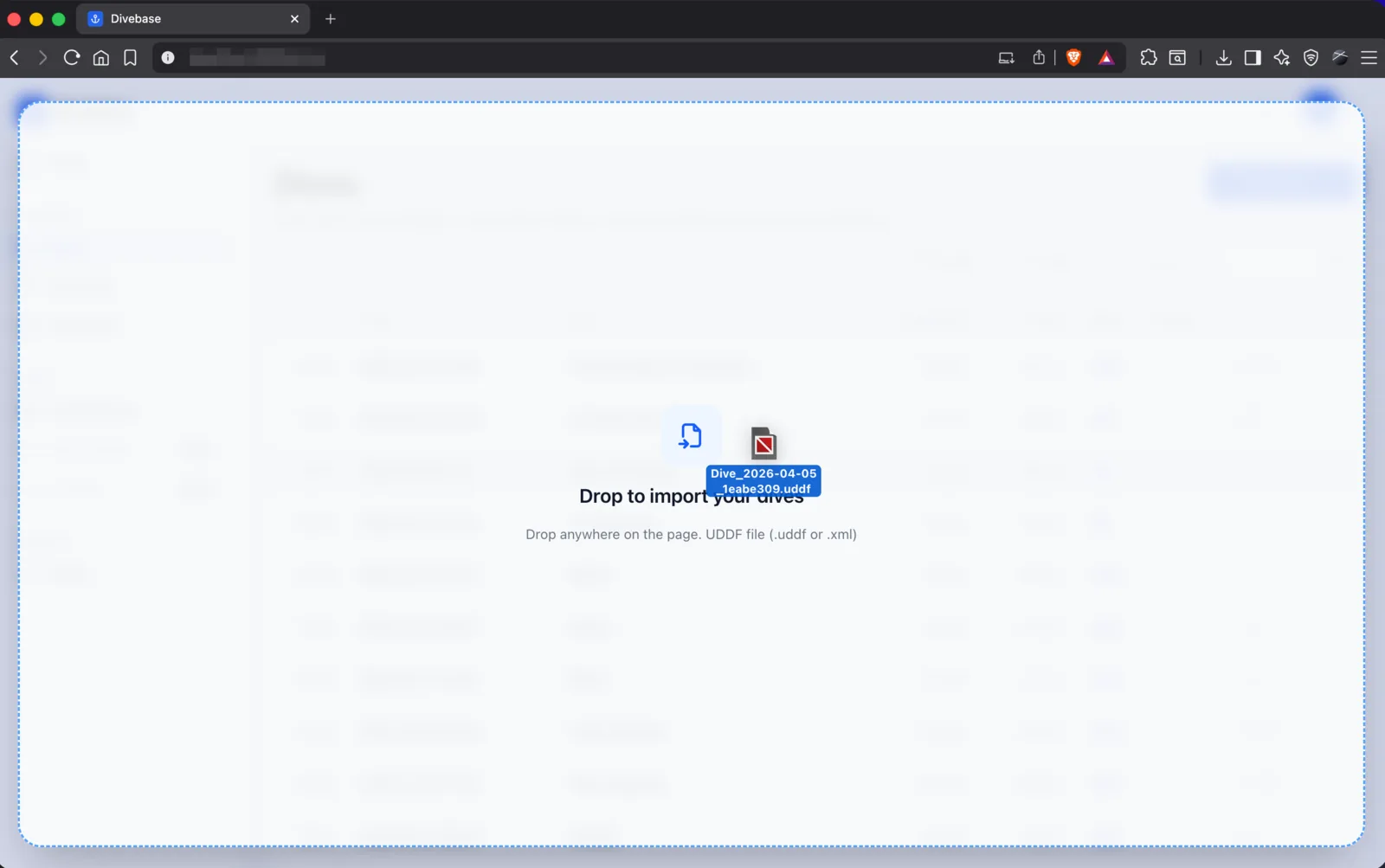
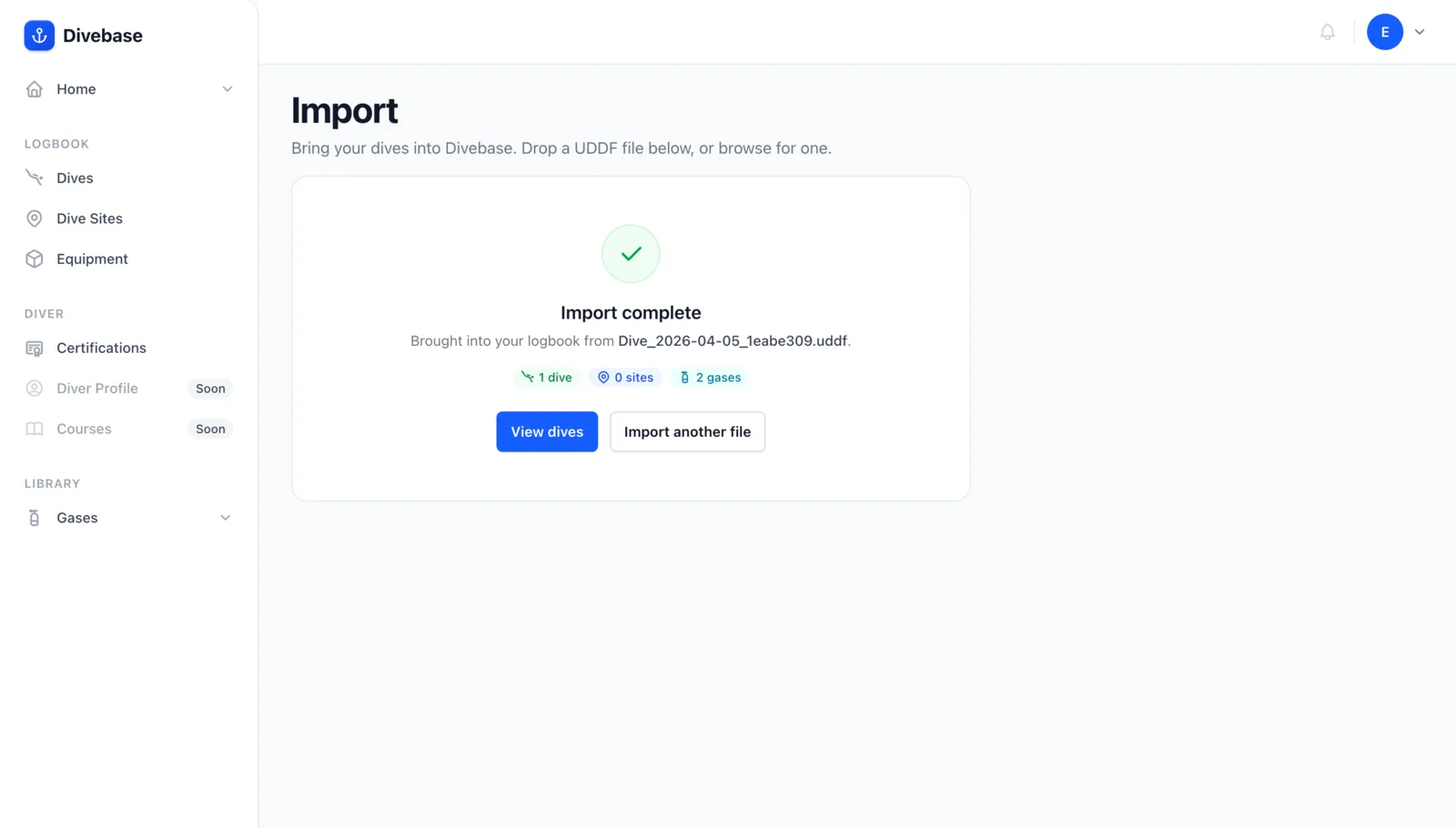
The import starts right away. Once it's complete, a summary page lays out everything that came in.
How to export UDDF
Many dive computers let you connect and pull off your dives. If you have a BLE dive computer and an iOS device, download Dive Exporter to connect over Bluetooth: it lets you download your dives, select as many as you like, and export them to UDDF. We built Dive Exporter, and Divebase is fully tested against it.
No BLE computer, or a different platform? Dive computer vendors usually offer a UDDF export through their own app. Vendor apps are rarely the richest experience, but exporting to UDDF is almost always possible.
And if you already keep one of the many logbooks out there, check whether it can export UDDF. If you hit a snag, or your dive computer or logbook doesn't import cleanly, get in touch and let us know.
Now's the time. Grab your computer, go diving, and collect that UDDF file... and, as always, dive safe! 🤿