
Your dive site collection
Every dive happens somewhere. In the last update you probably didn't miss that little box with a map, pointing at where the great Henry Desprez was sunk. That is what we call a dive site, and this time it gets the spotlight.
Dive sites are first-class citizens in the Divebase dive log. Here's a first look at how you collect them, describe them, and find them on a map.
The anatomy of a dive site
A dive site is identified by a handful of details:
- Name: what you call the spot, like Il faro or Devana Kandu.
- Location: the nearest town, harbor, or landmark.
- Region: a broader area, an island group, or an atoll.
- Country: where it sits in the world.
You don't need all of them. "Region", for instance, only makes sense in certain cases, but it's there when you need it. Here are a few examples:
| Name | Location | Region | Country |
|---|---|---|---|
| Il faro | Portofino | Italy | |
| Relitto Alfieri | Agropoli | Italy | |
| Devana Kandu | Alimathaa | Felidhu Atoll (Vaavu) | Maldives |
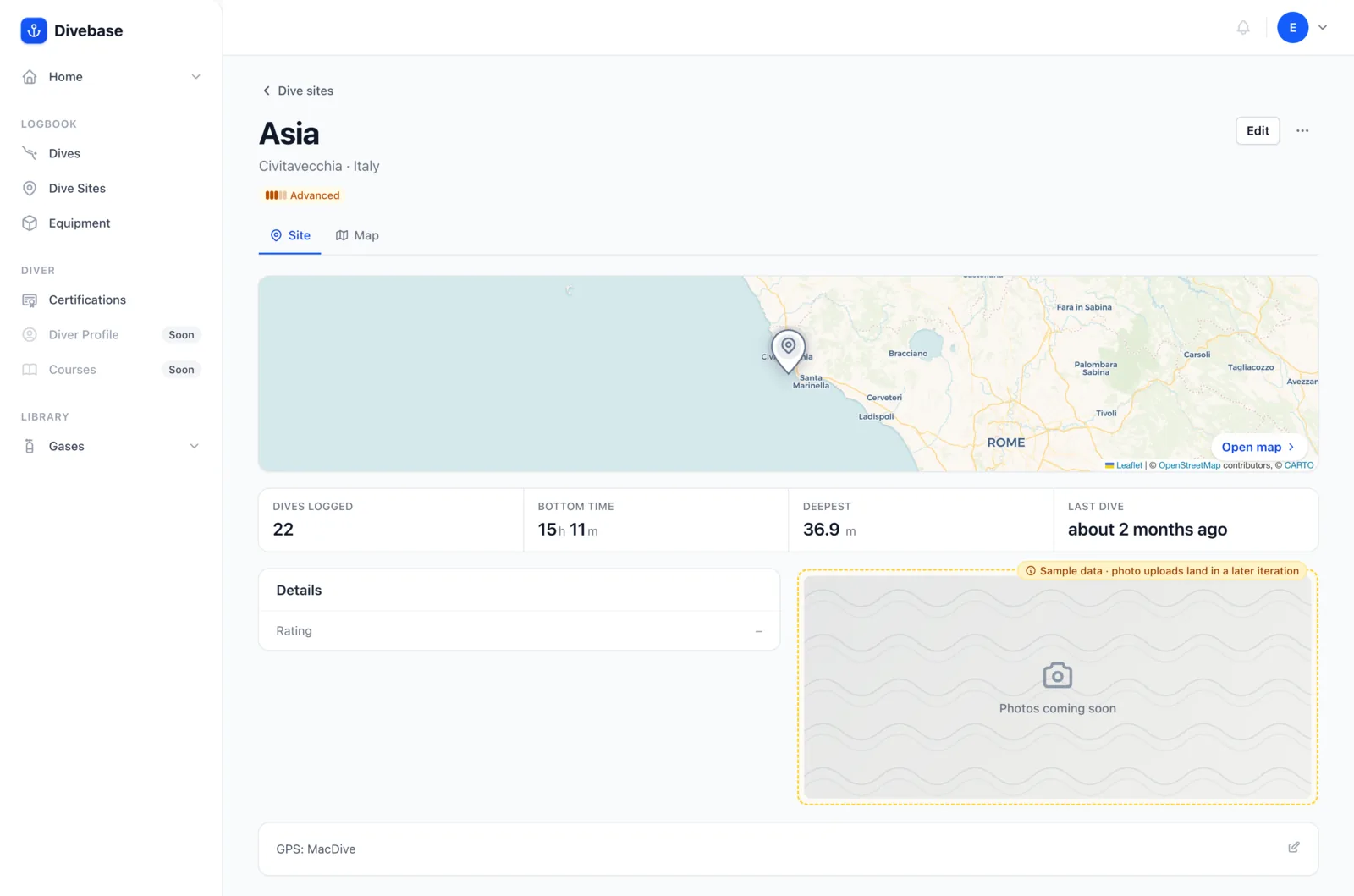
Fun fact: in my current divelog software I always struggled to categorize the dive sites that belong to a specific region or island, like the Maldivian one above. The region fills exactly that gap, and it earns its place in the UDDF specification too.
Hints, pins, and the map
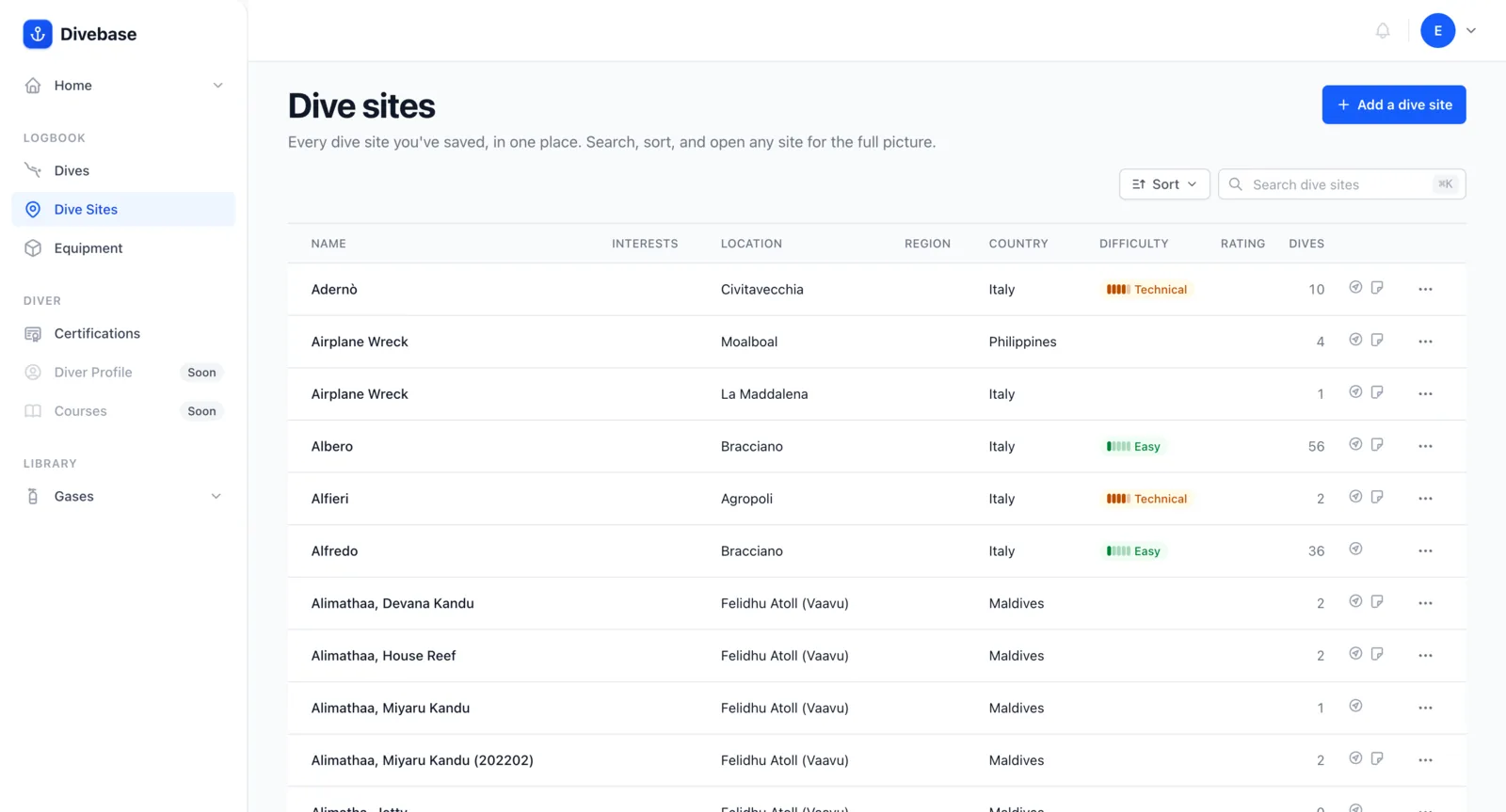
As with the dive list, the dive site list carries hints. One in particular tells you whether a site has GPS coordinates. When it does, the dive site page drops a pin on the map.
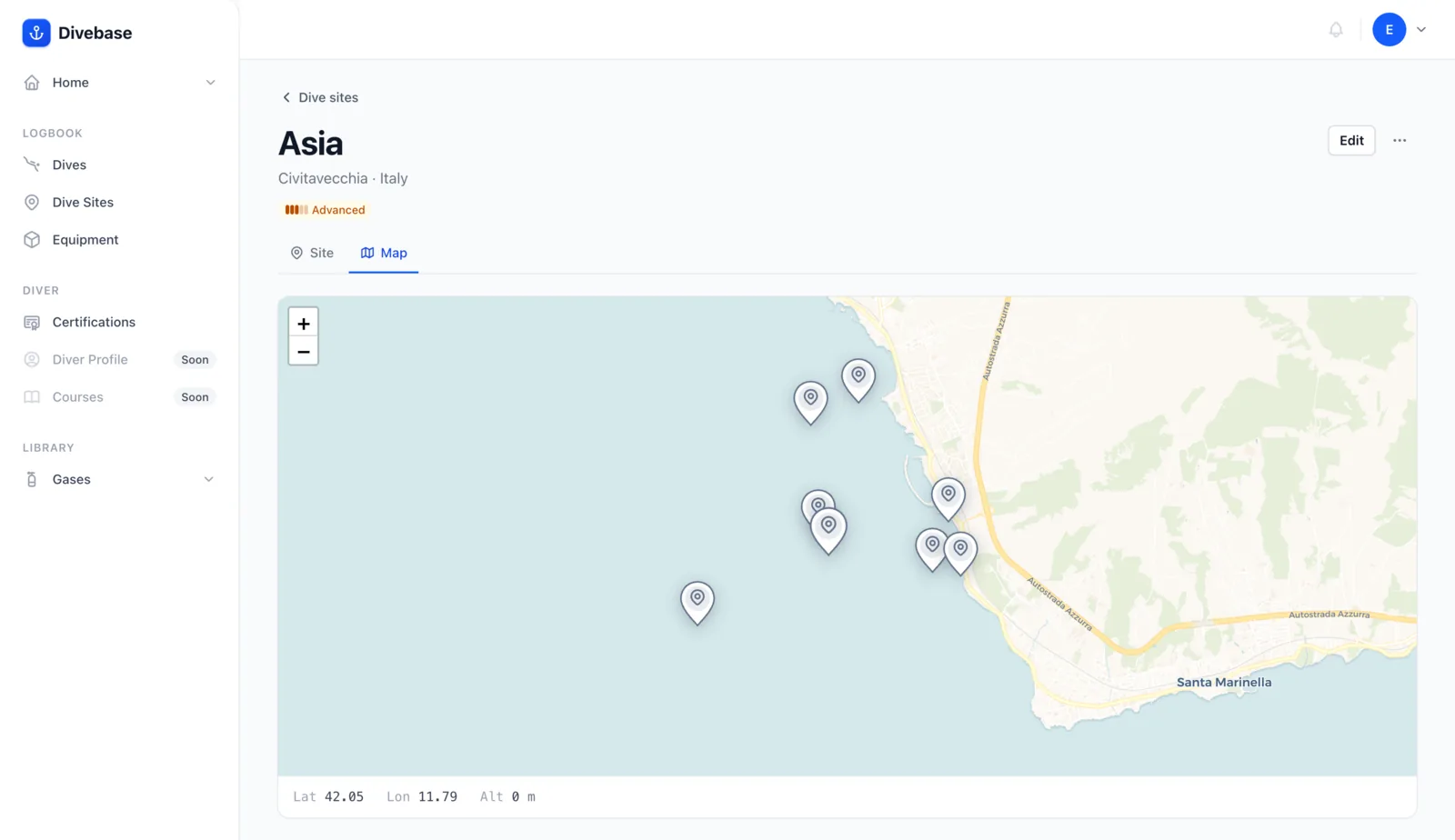
And if you switch to the map tab, you can see where a particular site sits compared to every other dive site in your collection.
There's more of your logbook still to surface. Until next time, dive safe! 🤿