
Take your data with you
Since the first UDDF import, Divebase has been good at bringing data in: from MacDive, Subsurface, Shearwater Cloud, and straight from your dive computer with the mobile apps. Getting data out was another story. The Export tab said "Soon", and the only way out was the API.
From today you can export everything you have in Divebase, in one go. Think of it as a takeout: a complete copy of your logbook, so your data is never stuck here.
Your dives are yours, and you should always be able to take them with you.
Why now
Divebase was born from the ashes of MacDive. I spent years afraid that one iOS upgrade would stop it from working and lock my logbook away for good. I don't want anyone to feel that way about Divebase.
That's why this first export isn't about a specific format. Its only job is to make sure that whatever you put into Divebase, you can get out, today.
How to export
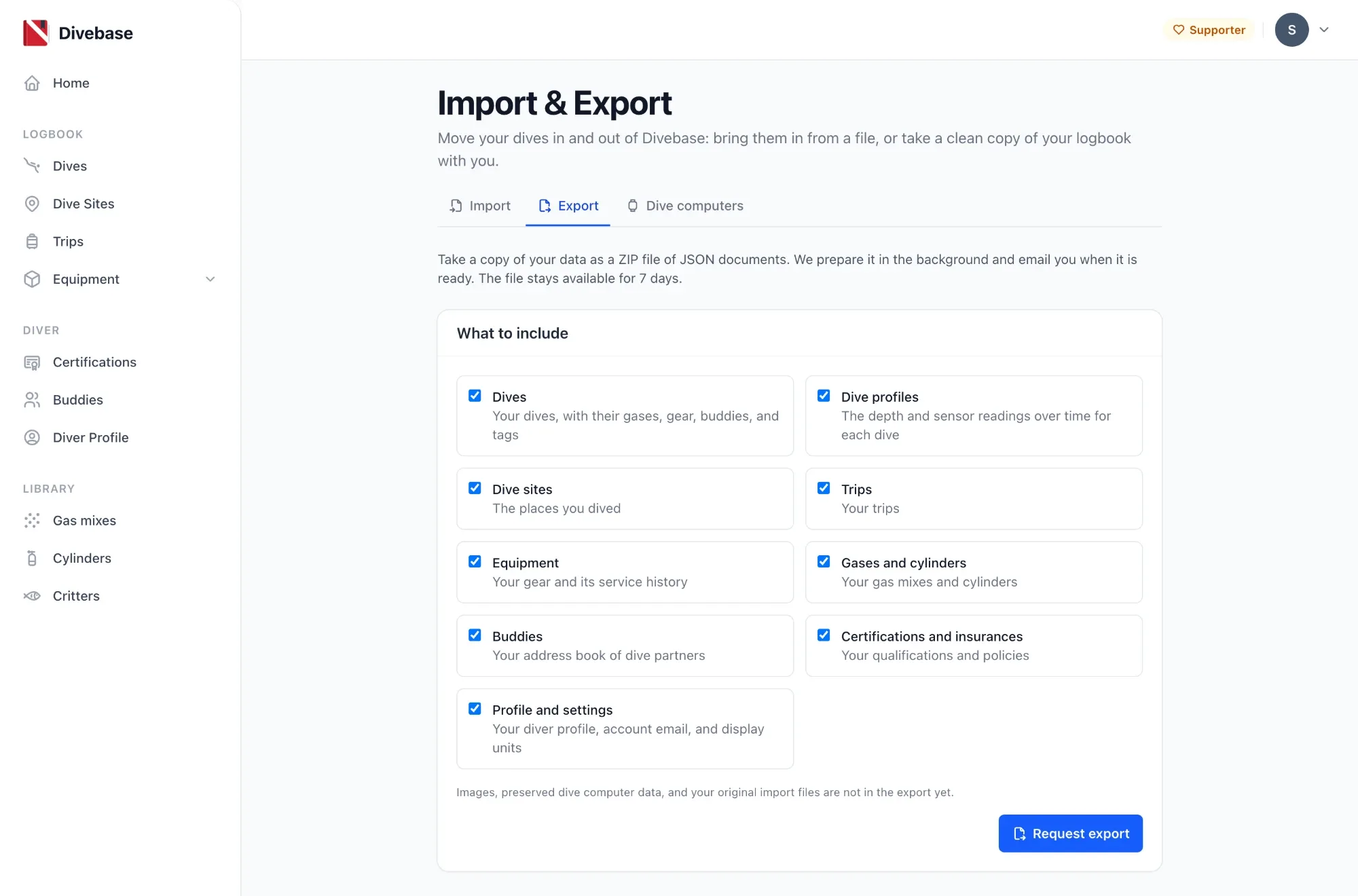
From the top-right menu, choose Import & Export, then open the Export tab. Pick what to include. Everything is selected by default: dives, dive profiles, dive sites, trips, equipment, gas mixes and cylinders, buddies, certifications and insurances, and your profile and settings. Then click Request export.
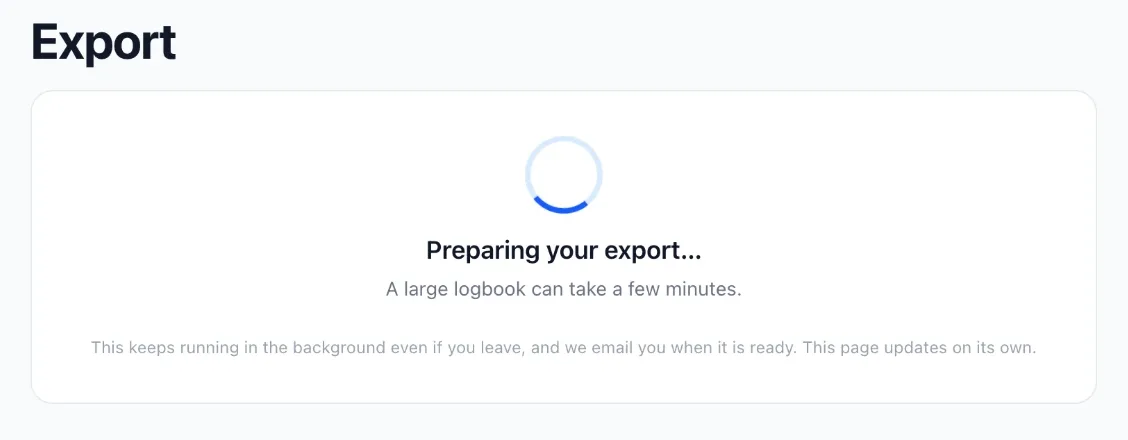
The export runs in the background. A large logbook can take a few minutes. You can leave the page, and the page updates on its own if you stay.
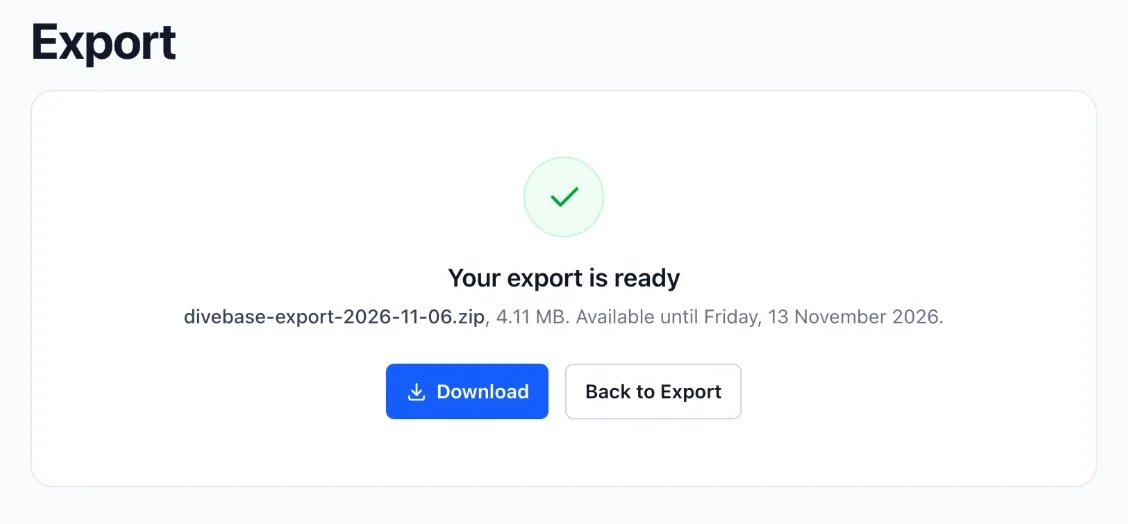
When the file is ready, Divebase sends you an email and the page shows the Download button. The email doesn't carry the file. It links back to Divebase, so you still have to sign in to download it.
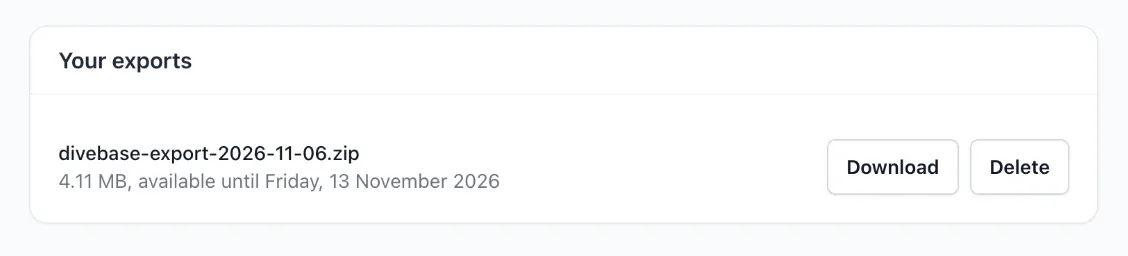
The file stays available for 7 days, then Divebase removes it. Until then, you find it under Your exports on the Export tab, where you can download it again or delete it.
What's in the file
The download is a ZIP file of JSON documents. Each dataset you selected is a separate file, like dives.json or dive_sites.json, and a manifest.json lists the datasets and how many records each one holds. Every record keeps its id, so a dive still points to its dive site, its gases and its buddies.
All measurements are metric, whatever units you display. Imported records keep a note of where they came from.
A few things are not in the export yet: the images of your certifications, the raw data Divebase preserves from your dive computer, and the original files you imported. The Export tab says so too.
A first version
This is a first, simple version of the export. The JSON layout is not a fixed format yet. I may rename a field or move a collection as Divebase grows, so don't build anything on it that expects it to stay the same. If you want a stable contract to build on, use the API.
Standard formats will come next. The obvious one is UDDF, the same format Divebase already imports, so you can move your dives to another logbook that reads it. Others will follow.
If you export your logbook and something is missing, or you have a format you'd like to see, write to me at hello@divebase.cloud.
Dive safe! 🤿