
Importing your dives from Garmin FIT
Since we released the UDDF importer, many of you asked to import dives straight from your Garmin dive computers. Garmin dives can't easily be exported to UDDF, but they can be exported to Garmin's proprietary format, FIT.
The Garmin Flexible and Interoperable Data Transfer (FIT) protocol is designed specifically for storing and sharing data from sport, fitness, and health devices. That includes, you guessed it, dives, their dive sites, and their coordinates.
Today we're opening up support for importing dives from Garmin FIT files. Importing a dive from a FIT file doesn't just create the dive; it also populates the dive profile.
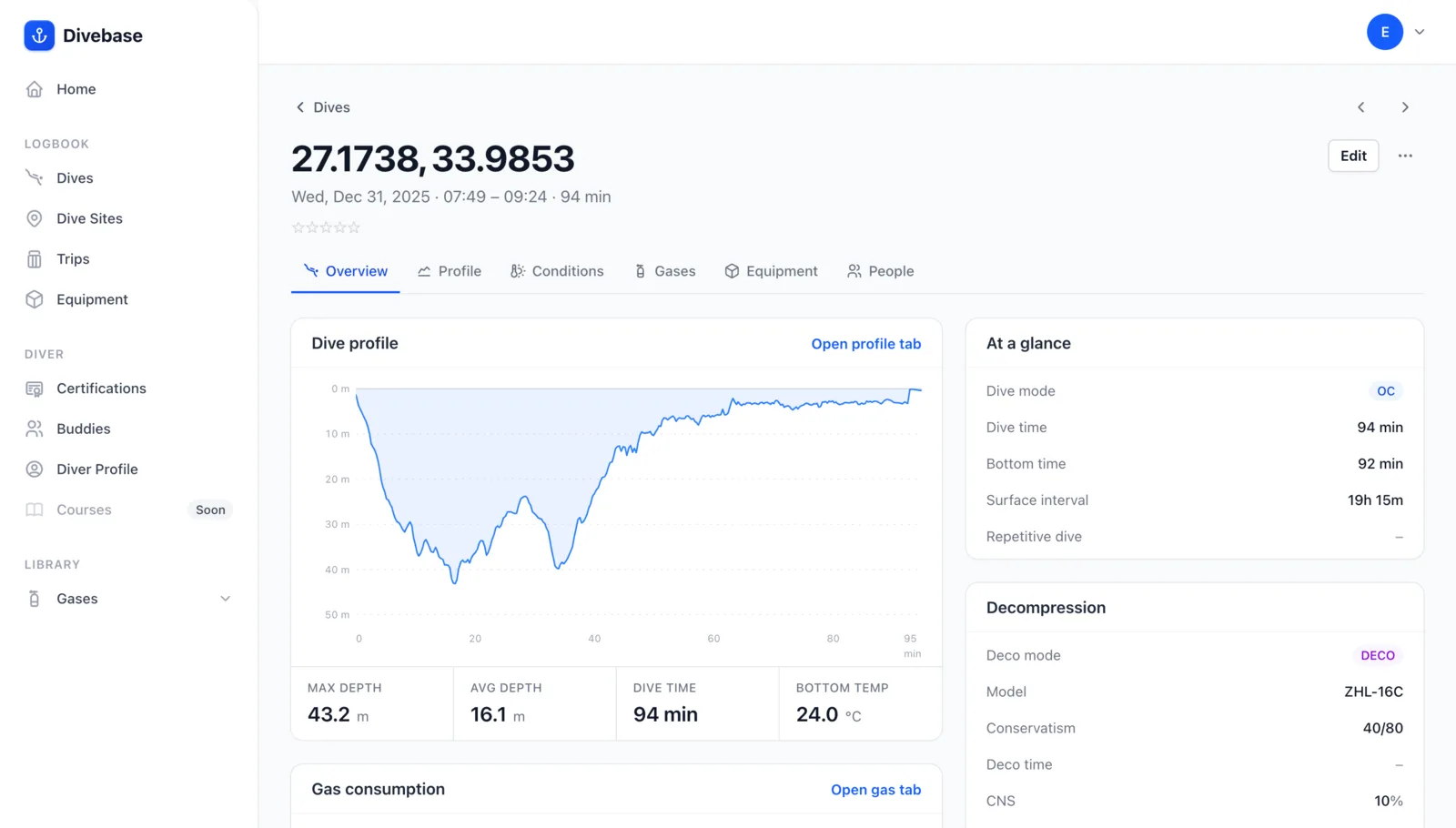
But there's more. If the FIT file carries GPS coordinates, the importer also creates a matching dive site and attaches it to the imported dive.
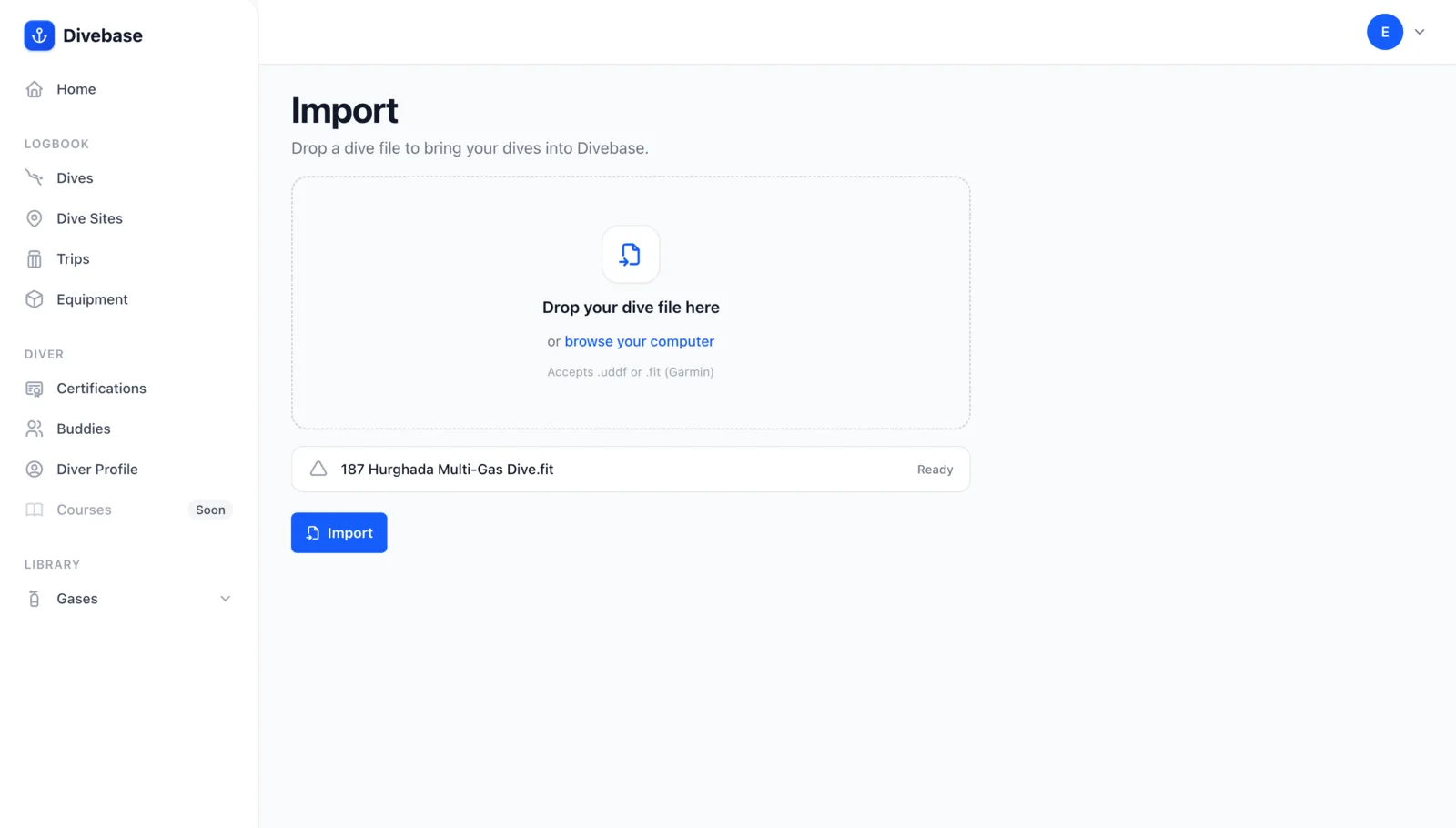
You can export your dives to FIT from the Garmin Connect app. Once you have a FIT file, just drop it into your browser from your divelog home or the dive list to upload it right away.
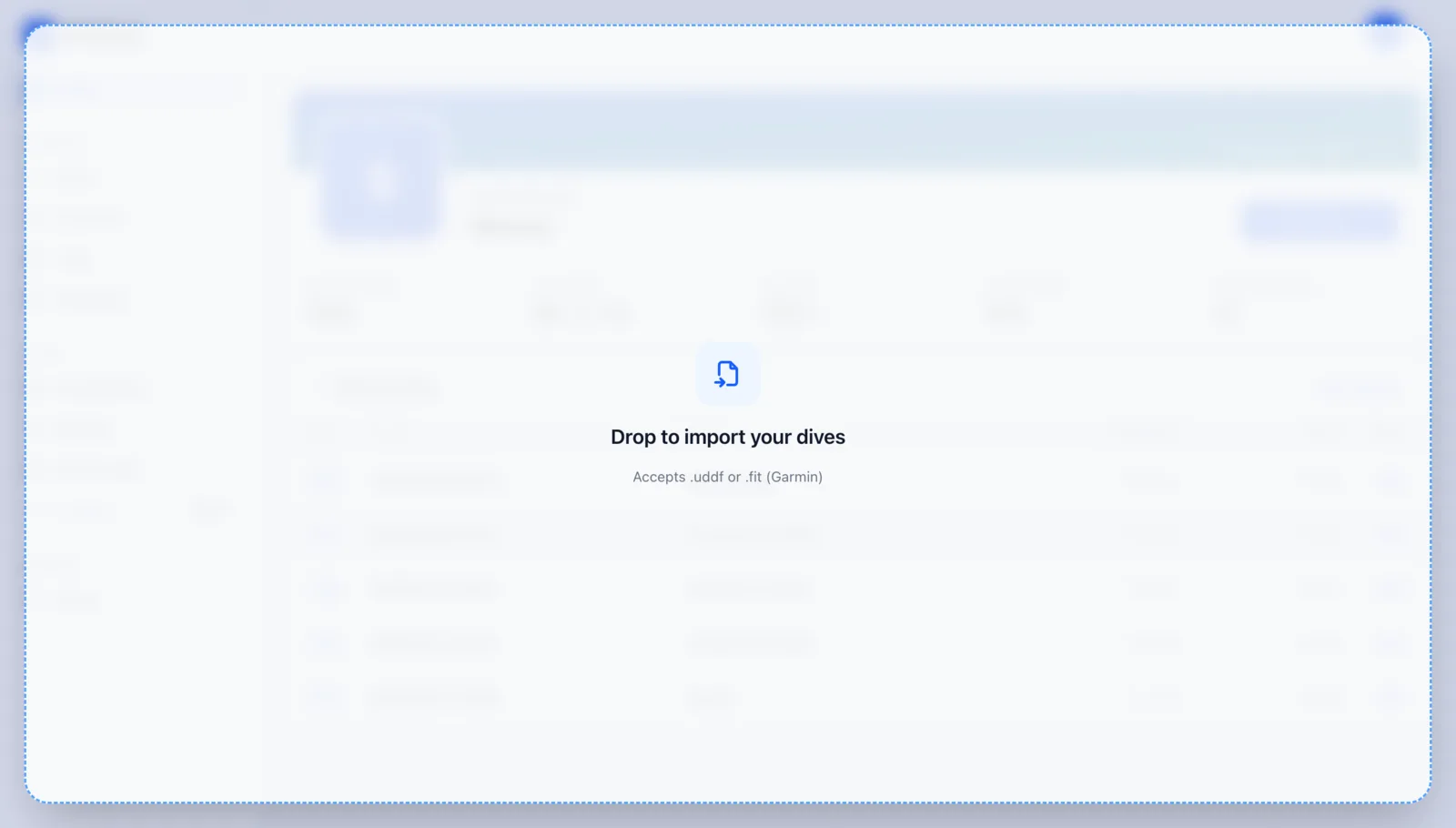
Alternatively, head to Import & Export to upload the file, or click any Log a dive button and choose the Garmin FIT option.
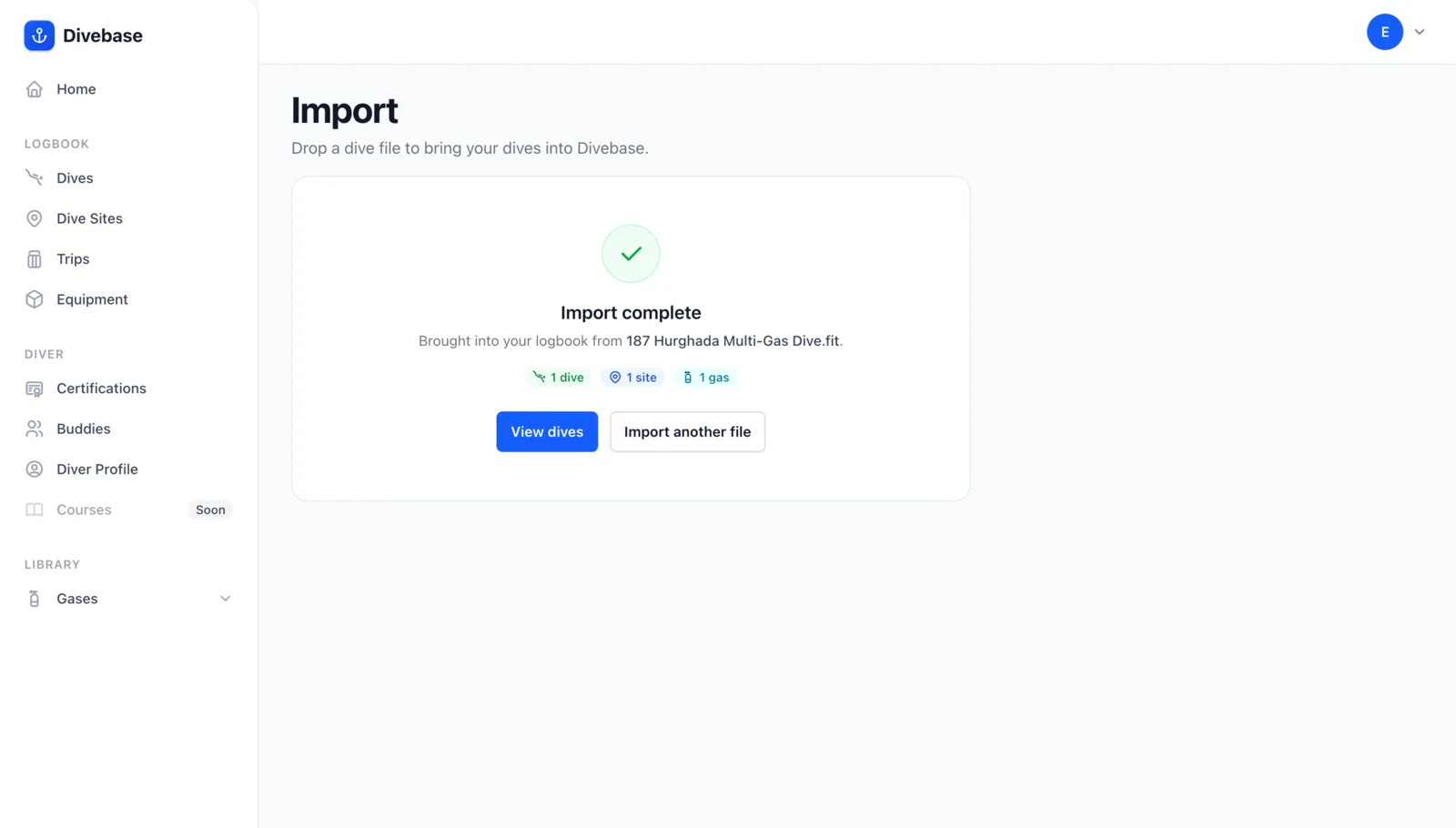
The import runs right away, and a summary lays out everything that came in.
A FIT file can also add a dive profile to a dive you logged earlier by hand. Say you want to record a dive right after surfacing from your phone: log it now, then import the profile later, once the dive has synced to your Garmin account.
One caveat: Garmin FIT is a proprietary format, so not all of what it stores is publicly documented. In practice, the importer is brand new and may occasionally misread part of a dive's configuration. If you spot anything odd, tell us at hello@divebase.cloud.
Grab your Garmin, go diving, and bring those dives home... and, as always, dive safe! 🤿